Convert MT4 EA to MT5: What OANDA’s MT4 Shutdown Means
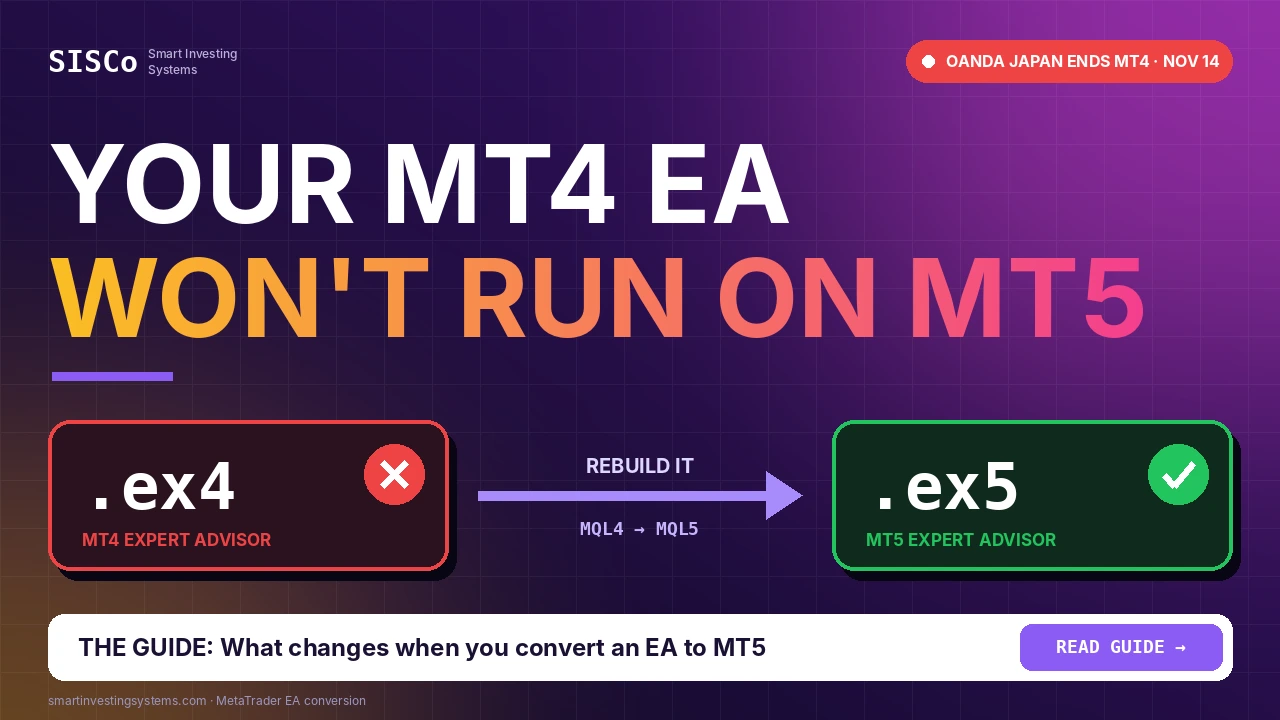
If you still run an Expert Advisor on MetaTrader 4, the clock just got louder. OANDA Japan has moved its MT4 shutdown forward to November 14, 2026, and its accounts will be moved to MT5 automatically, but your robot will not come with them. An MT4 EA cannot run on MT5 as it is. This guide explains why, what changes when you convert an MT4 EA to MT5, how a proper migration works step by step, and how to test the result before it trades real money.
01Why MT4 to MT5 migration is suddenly urgent
MetaTrader 4 has been around since 2005, and many brokers have been easing traders toward MetaTrader 5 for years. This month the move became concrete for one well-known broker. In March 2026, OANDA’s Japanese unit announced it would retire MT4, citing cybersecurity requirements and the fact that the platform is no longer maintained by MetaQuotes. The original end date was the close of trading on November 27, 2026.
On November 6, OANDA Japan brought that date forward by two weeks. According to Finance Magnates and FX News Group, MT4 service now ends at the close of trading on Saturday, November 14, with remaining positions and balances on the Tokyo server moved into MT5 Standard Plan accounts on November 14–15. The broker pointed to recent security breaches in external VPS environments as the reason for the earlier date.
The account moves automatically. Your EAs, custom indicators and chart templates do not. MT4 programs (.ex4 files) simply will not load in MetaTrader 5.
Even if your broker is not OANDA, the direction is the same: MetaQuotes no longer maintains MT4, and new features and better testing tools arrive on MT5. If an EA is central to how you trade, it is better to migrate on your own schedule than on a broker’s deadline.
02Why an MT4 EA will not run on MT5
MT4 and MT5 look alike on screen, but under the hood they are different platforms. Expert Advisors for MT4 are written in MQL4 and compiled to .ex4 files. MT5 uses MQL5 and .ex5 files. The two languages share a lot of syntax, which is why people expect a quick copy-and-paste. The parts that matter most for a trading robot, though, work differently.
Different trade model
MT4 thinks in “orders”. MT5 separates orders, deals and positions, so every line that opens, modifies or closes a trade has to be rewritten.
Different indicator access
In MT4, iMA() or iRSI() returns a value directly. In MT5 you create an indicator handle once and read values with CopyBuffer().
Different price access
The predefined Ask, Bid, Close[] and Time[] arrays of MQL4 are replaced by functions such as SymbolInfoDouble() and CopyRates().
Different account types
MT5 accounts can be netting (one position per symbol) or hedging. Logic that opens opposite trades may behave very differently on a netting account.
That is why there is no reliable one-click MQL4-to-MQL5 converter for real EAs. Automatic tools can translate syntax, but trade handling, error codes and position logic still need a developer who understands both platforms.
03What changes in the code: MQL4 vs MQL5
Here is a quick comparison of the areas that almost always need work when you convert an MT4 EA to MT5. Use it to judge how much of your EA is affected.
| Area | MT4 (MQL4) | MT5 (MQL5) | Migration effort |
|---|---|---|---|
| Opening trades | OrderSend() with direct parameters | MqlTradeRequest / MqlTradeResult or the CTrade class | High |
| Managing open trades | OrderSelect() loop over orders | PositionSelect / PositionGetTicket and separate pending-order functions | High |
| Trade history | Closed orders in the history pool | Deals and orders in history, selected by time range | Medium |
| Built-in indicators | iRSI(), iMA() return a value | Handle created in OnInit, values read with CopyBuffer() | Medium |
| Custom indicators | iCustom() returns a value | iCustom() returns a handle; the indicator itself must be an MT5 version | Medium–High |
| Prices and bars | Ask, Bid, Close[i], Time[i] | SymbolInfoDouble(), SymbolInfoTick(), CopyRates() | Low–Medium |
| Testing | Single-thread Strategy Tester | Multi-threaded tester with real-tick and multi-currency options | Re-test required |
04Netting vs hedging: the trap most conversions fall into
On MT4, opening a buy and then a sell on the same symbol gives you two separate trades. On an MT5 hedging account the same thing happens. On an MT5 netting account, the sell reduces or reverses the existing buy, so you end up with one position, not two.
This matters for any EA that hedges, averages into positions, runs a grid or tracks several trades with their own magic numbers and stops. Before conversion starts, find out which account type your broker gives you on MT5, and tell your developer. A well-built MT5 EA checks the account margin mode at start-up and refuses to run, or switches logic, if it finds the wrong type.
Ask your broker or check the account details in MT5: the account type shows whether it is a hedging or netting account.
Never assume a converted grid or hedge EA works on netting until it has been tested there on a demo account.
05How to convert an MT4 EA to MT5, step by step
This is the process we follow for MQL4 to MQL5 conversion projects. You can use it as a checklist whether you work with us or with another developer.
Collect what you have
The .mq4 source code is ideal. If you only have the compiled .ex4 file, write down the rules instead: entries, exits, stops, money management and filters. The EA can be rebuilt from a clear rule description.
Record a baseline on MT4
While MT4 still works, run a Strategy Tester report and save a list of recent trades. These become the reference the MT5 version is compared against.
List the dependencies
Note every custom indicator, DLL, external file and input the EA uses. Each custom indicator needs an MT5 version too.
Rebuild the trade layer
Rewrite order opening, modification, closing and trade tracking for the MT5 model and your account type, with proper handling of MT5 return codes.
Port the logic and inputs
Move the signal logic across, switch indicators to handles and CopyBuffer(), and keep input names the same so your existing settings still make sense.
Compare, then demo
Back-test the MT5 version over the same period as the baseline, explain any differences, then run it on a demo account before it touches a live one.
06Your indicators: convert, replace or reuse
Many EAs depend on a custom indicator that was never released for MT5. You have three options: convert that indicator as part of the project, replace it with an MT5 indicator that does the same job, or move its formula directly into the EA.
If you are replacing an indicator, pick one that an EA can read cleanly. Our Ultimate RSI for MT5 is a good example: according to its product page, all calculations run in indicator buffers with no graphical objects, which keeps processing fast and makes it easy to read from an Expert Advisor. It also lets you choose EMA, SMA, RMA or TMA smoothing for both the RSI and its signal line.
For trend direction, the Alpha Trend indicator for MT5 plots two bands and gives a buy signal when they cross upward and a sell signal when they cross downward. If your MT4 strategy needed to know how steady a trend is, the Trend Strength Index for MT5 scores trend consistency on a fixed scale from -1 to +1. Any of these can be built into a custom EA.
📈 Good signs for an easy port
- You have the .mq4 source code
- Only built-in indicators are used
- One trade at a time per symbol
- Clear, written rules for exits
📉 Signs of a bigger job
- Only an .ex4 file, no source
- Custom or DLL-based indicators
- Grid, hedge or basket logic
- Rules that live only in your head
07Testing the converted EA before it goes live
A conversion is only finished when it has been tested. MT5’s Strategy Tester is a real upgrade here: it can use multiple CPU cores, test on real ticks and test several symbols in one run. Use that to check the converted EA in conditions closer to live trading.
- Same period, same settings: compare the MT5 test with your MT4 baseline and look at why trades differ, not only at the final balance.
- Every exit path: check stop loss, take profit, trailing stop, time exits and manual close all behave as written.
- Restarts and disconnections: restart the terminal with trades open and confirm the EA picks them up again by magic number.
- Broker rules: test minimum stop distance, lot step and filling modes on your real broker’s MT5 demo server.
- Security: if you run the EA on a VPS, keep it updated and secured. OANDA Japan noted that its security measures do not extend to third-party VPS servers.
08What a conversion costs and how long it takes
There is no fixed price list, because a 100-line moving-average EA and a multi-symbol grid system are very different jobs. At SISCo, custom indicators and EAs start from $50 and each project is quoted individually after we read your code or rules. The quote is free and we reply within one day with a price and a timeline. Simple projects can often be delivered within a couple of hours. You receive the source code, and bugs found after delivery are fixed free of charge. See how much a custom EA costs for what affects the price.
Because the trade layer gets rebuilt anyway, a migration is also a good moment to add things the old EA lacked: a news or spread filter, a trade panel, Telegram notifications or licensing if you plan to sell it. Our algorithmic trading and EA development service covers MT4, MT5 and other platforms.
Frequently asked questions
Can I run an MT4 EA on MT5 without converting it?
No. MT4 EAs are compiled .ex4 files written in MQL4, and MetaTrader 5 only runs MQL5 programs (.ex5). The EA has to be converted or rebuilt for MT5.
Is there an automatic MQL4 to MQL5 converter?
Some tools translate syntax and compatibility libraries exist, but trading logic, order handling and netting or hedging behaviour still need manual work and testing. For an EA that trades real money, a reviewed conversion is the safer path.
I only have the .ex4 file. Can it still be converted?
Not directly, because compiled files do not contain readable source code. It can be rebuilt for MT5 if you can describe its rules clearly, ideally with screenshots and a list of its inputs and some past trades.
Will the MT5 version give the same back-test results?
It should follow the same rules, but results can differ because of tick data, testing modes and broker feeds. Compare trade by trade and make sure every difference has an explanation.
Move your EA to MT5 before the deadline moves you
Send us your .mq4 file or a description of your rules and get a free quote for your MT4 to MT5 conversion, delivered with source code and free bug fixes. Building something new on MT5? Start with an EA-friendly indicator.
Request a free quote Get Ultimate RSI on MQL5 Market View product page
Trading involves risk and may not be suitable for every investor. This article is for education about trading software only and is not financial advice.
Custom EA · Expert Advisor · MQL5 · mt4 · mt5
Related articles
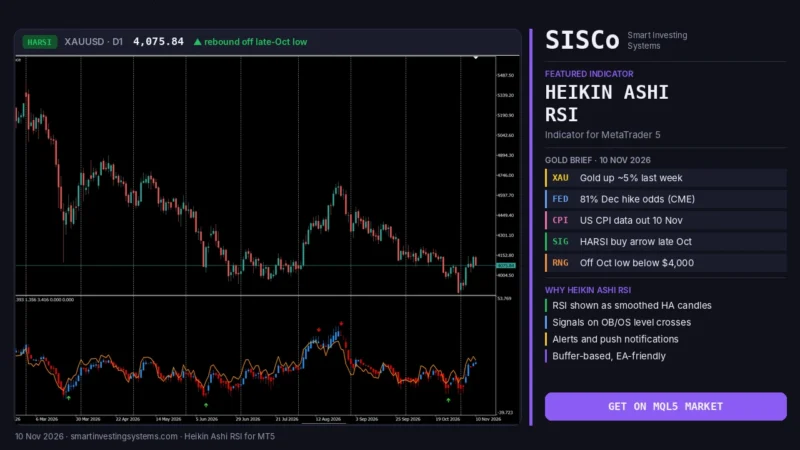
Heikin Ashi RSI MT5: How to Read HARSI Candles (Gold Guide)
Learn how the Heikin Ashi RSI (HARSI) indicator for MT5 turns RSI into smooth candles, which settings to test, and how to read it…
Read more →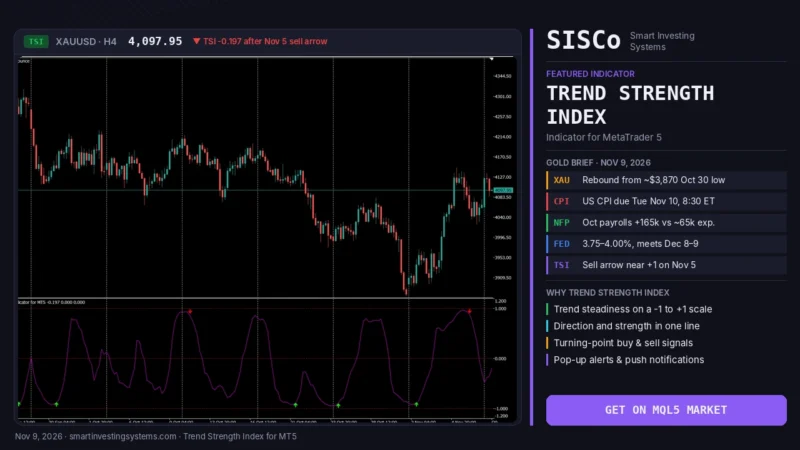
Trend Strength Index MT5: Is Gold’s Rebound Steady Before CPI?
Learn how the Trend Strength Index for MT5 shows how steady gold's rebound is before US CPI, with settings, signals and a step-by-step plan.…
Read more →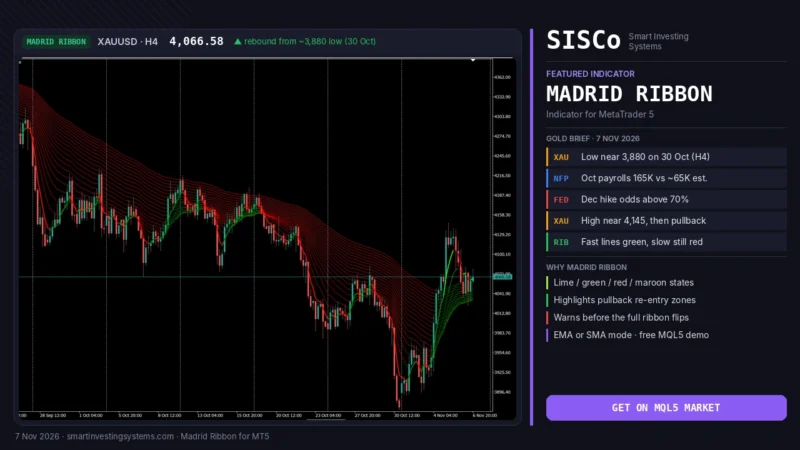
Moving Average Ribbon MT5: How to Read the Madrid Ribbon
Learn how a moving average ribbon on MT5 shows trend, pullbacks and reversal warnings, with Madrid Ribbon color rules and a gold example. Try…
Read more →Need a team that can design, build and maintain it all?
Let's talk. Tell us about your project and we'll reply with honest timelines.