MT4 to MT5 Trade Copier: Keep Trading While You Migrate
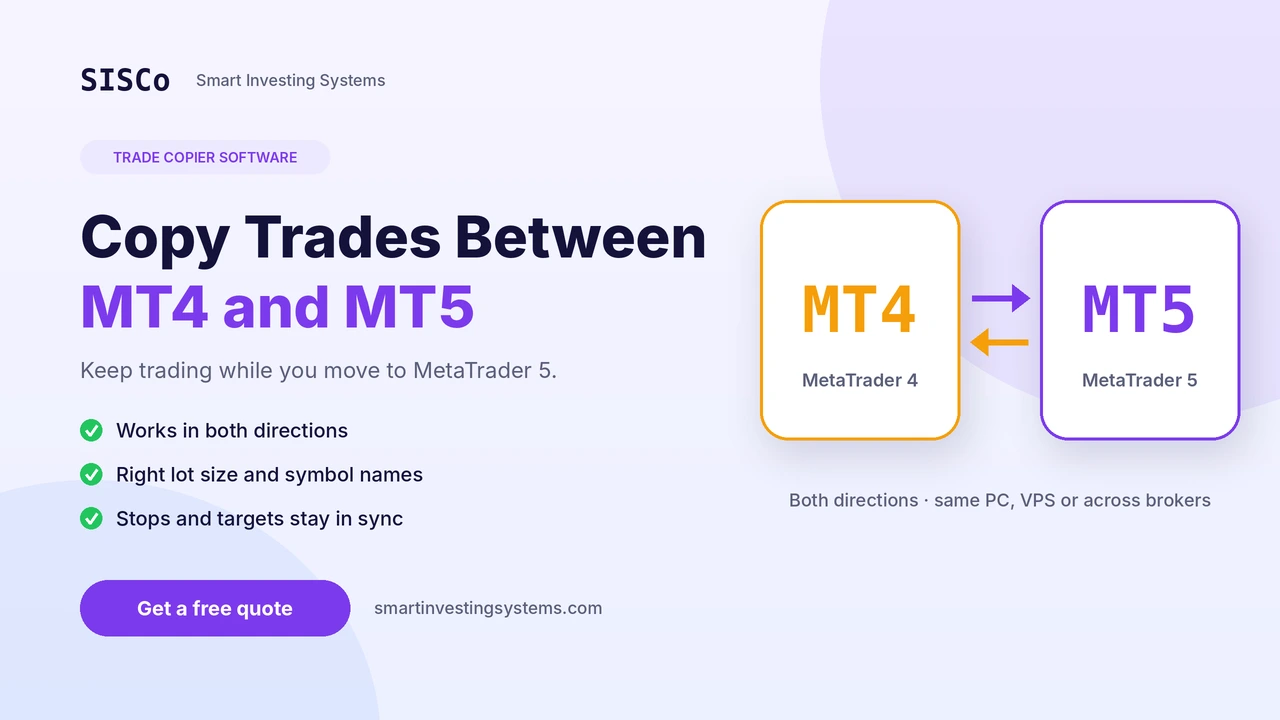
Moving from MetaTrader 4 to MetaTrader 5 rarely happens in one clean weekend. Your EA or signal source may still live on MT4 while your broker, prop firm or investors want MT5. An MT4 to MT5 trade copier bridges that gap: one platform places the trades, and the copier repeats them on the other, with the right lot size and symbol names, within moments. This guide explains how a copier works, the settings that matter, the traps that catch people (netting accounts are the big one), and a step-by-step plan for running both platforms side by side while you migrate.
01Why copying between MT4 and MT5 matters right now
The move away from MT4 has deadlines now. OANDA’s Japanese unit first planned to end MT4 service on its Tokyo server in late November 2026. On 6 November it brought that forward to the close of trading on Saturday, 14 November, citing recent security breaches in external VPS environments, as reported by Finance Magnates and FX News Group. Remaining positions and balances move to MT5 accounts on 14–15 November, but MT4 EAs, indicators and templates do not move with them.
Most brokers have not set dates yet, but the direction is the same: MetaQuotes no longer maintains MT4. Traders are now dealing with three situations a copier solves:
Strategy still on MT4
Your EA or manual trading runs on MT4, but the account you need to trade is on MT5. A copier repeats each trade on MT5 while the EA is being converted.
Parallel testing
You have a new MT5 version of your EA and want to compare it trade by trade against the MT4 original before switching over.
Several accounts
Signal providers and account managers run one master account and need every trade repeated on many accounts, across MT4 and MT5.
02How an MT4 to MT5 trade copier works
Every copier has two sides. The master (sometimes called the provider or sender) watches one account and records each new order, modification and close. The receiver (also called the slave or follower) reads those events and repeats them on its own account, applying your rules for lot size, symbols and filters.
There are two main ways to connect the two sides:
- Local copier: both terminals run on the same computer or VPS and exchange trade data directly. This is fast and simple, and it is ideal for MT4 to MT5 copying on one machine.
- Web-based copier: the master sends trade events over the internet to receivers on other machines, brokers or countries. This suits signal providers and managers with clients spread across brokers.
Our trade copier service builds both types for MT4 and MT5, and copying works in either direction: MT4 to MT5, or MT5 back to MT4.
03The settings that decide whether copying works
A copier that only repeats “buy 1 lot EURUSD” will break the moment two accounts differ. These are the settings to define before you copy a single trade. The suggested values are starting points to test, not recommendations for your account.
| Setting | What it does | Starting point to test |
|---|---|---|
| Lot sizing | Multiplier, fixed lot or risk-based size per receiving account | Multiplier 1.0 for identical accounts; scale by balance ratio for smaller accounts |
| Symbol mapping | Translates names between brokers, such as XAUUSD to XAUUSDc or EURUSD to EURUSD.m | Map every symbol the master trades before going live |
| Filters | Copies only chosen symbols, magic numbers, comments or sessions | Filter by the EA’s magic number so manual trades are not copied by mistake |
| Modifications | Copies partial closes and stop-loss or take-profit changes | On, so receivers follow the master’s risk management |
| Reverse mode | Opens the opposite trade on the receiver | Off unless you have a specific hedging reason |
| Notifications | Posts trade results to a Telegram channel or group | Useful for signal providers and for monitoring a VPS remotely |
04The netting trap and other MT5 differences
MT4 and MT5 handle trades differently, and a copier has to respect that. The most important difference is the account type on MT5.
Netting accounts. MT5 accounts can be netting (one position per symbol) or hedging. MT4 always allows several positions on the same symbol. If your MT4 strategy opens a buy and a sell on gold at the same time and you copy it to a netting account, the two trades cancel out into one net position, or none at all.
Contract and symbol differences. Contract size, minimum lot, lot step and digits can differ between an MT4 and an MT5 account, even at the same broker. Check gold and indices especially, then adjust lot sizing and mapping.
Use a hedging MT5 account whenever the master strategy holds opposite positions on the same symbol. If only a netting account is available, the copy rules have to be designed for it, and that is worth discussing before the build.
05Step-by-step: run MT4 and MT5 side by side
This plan lets you keep trading during migration without guessing whether the MT5 side behaves correctly.
Open the MT5 account early
Choose hedging or netting deliberately and confirm the symbols and contract specifications you trade.
Set up a Windows VPS
Both terminals must run all the time for copying to work, so a VPS is the usual choice. Use strong passwords and keep the VPS updated.
Write your copy rules
List lot sizing, symbol mapping, filters and what happens to partial closes and SL/TP changes. Plain language is fine.
Test on demo accounts first
Copy from an MT4 demo to an MT5 demo for several days, including a news day, and compare every trade, lot and stop.
Go live with small size
Start the live receiver with a reduced multiplier and check fills, symbol names and closes against the master.
Plan the final switch
Once your EA runs natively on MT5, retire the MT4 master. The copier can then stay in place to send trades to other accounts.
06Copier, converted EA or both?
A copier is not a replacement for converting your EA, and the two often work together. Here is how they compare:
Trade copier
Fast to put in place and keeps the MT4 strategy unchanged. Needs both terminals running, and it depends on the MT4 account staying available.
Converted MT5 EA
Runs natively on MT5 with no MT4 dependency. Takes longer, because trade logic has to be rewritten and tested. See our guide to converting an MT4 EA to MT5.
Indicators need MT5 versions too. MT4 indicator files will not load in MT5, so check that every tool on your chart exists for the new platform. SISCo sells around 44 MT5 indicators on the MQL5 Market, including volume tools such as the Volume Flow Indicator and Weis Wave Volume.
If you need to copy beyond MetaTrader, for example from TradingView alerts to a broker or from MT5 to a crypto exchange, that is an integration project. Our API and system integrations page covers those connections.
Frequently asked questions
Can a trade copier copy from MT4 to MT5?
Yes. A copier can send trades from MT4 to MT5 and also from MT5 back to MT4, on the same machine or over the internet.
Does the computer need to stay on?
Yes. Both terminals have to run all the time, which is why a Windows VPS is recommended for copiers.
Can trades be copied between different brokers?
Yes. A web-based copier works across brokers and machines, and symbol mapping handles different symbol names such as XAUUSD and XAUUSDc.
Can I sell or rent my copier to clients?
Yes, a licensing system can be added so you can sell or rent the copier. See our licensing and protection service.
Get a trade copier built around your accounts
Tell us which platforms, brokers and accounts you run and how trades should be copied. We reply with a free quote and a realistic timeline, deliver tested software with source code, and fix bugs after delivery free of charge.
Trading involves risk. This article is educational, describes software tools only and is not financial advice.
Expert Advisor · mt4 · MT4 to MT5 · mt5 · Trade Copier
Related articles
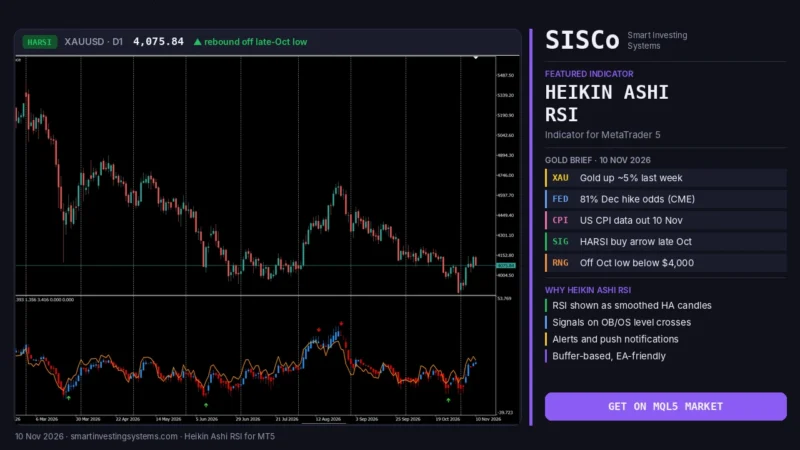
Heikin Ashi RSI MT5: How to Read HARSI Candles (Gold Guide)
Learn how the Heikin Ashi RSI (HARSI) indicator for MT5 turns RSI into smooth candles, which settings to test, and how to read it…
Read more →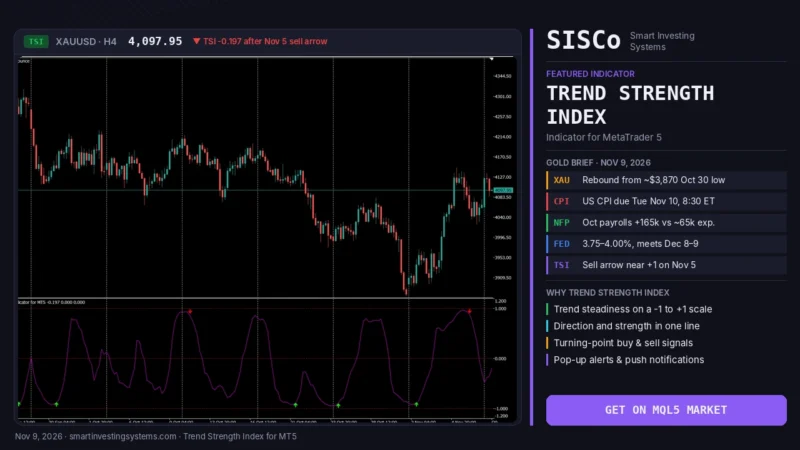
Trend Strength Index MT5: Is Gold’s Rebound Steady Before CPI?
Learn how the Trend Strength Index for MT5 shows how steady gold's rebound is before US CPI, with settings, signals and a step-by-step plan.…
Read more →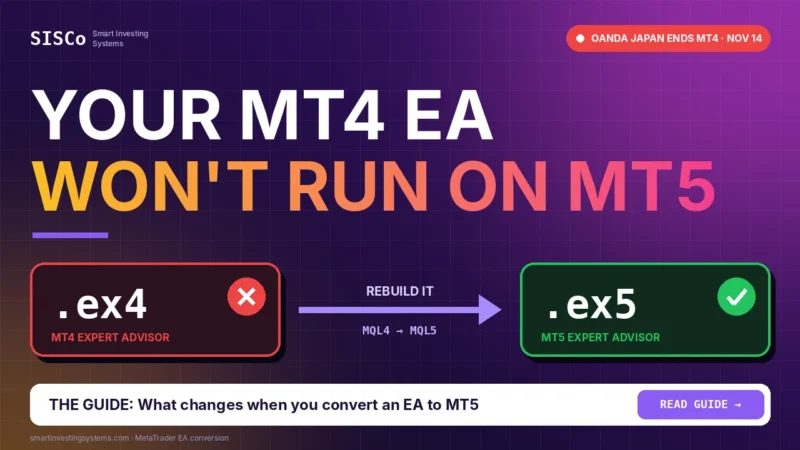
Convert MT4 EA to MT5: What OANDA’s MT4 Shutdown Means
Convert MT4 EA to MT5 before brokers like OANDA Japan switch off MT4. Learn what changes in MQL5, how to test it, and get…
Read more →Need a team that can design, build and maintain it all?
Let's talk. Tell us about your project and we'll reply with honest timelines.